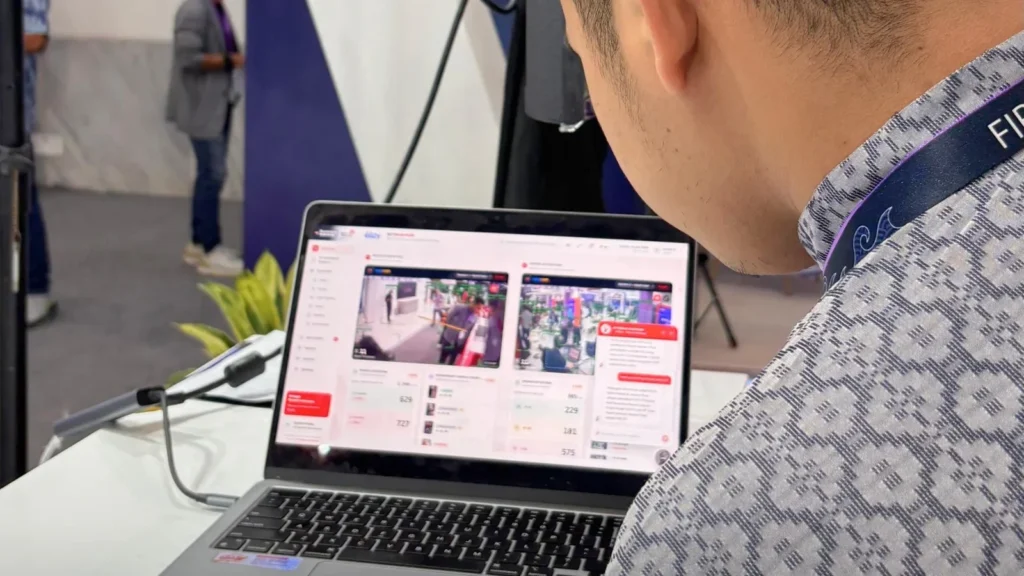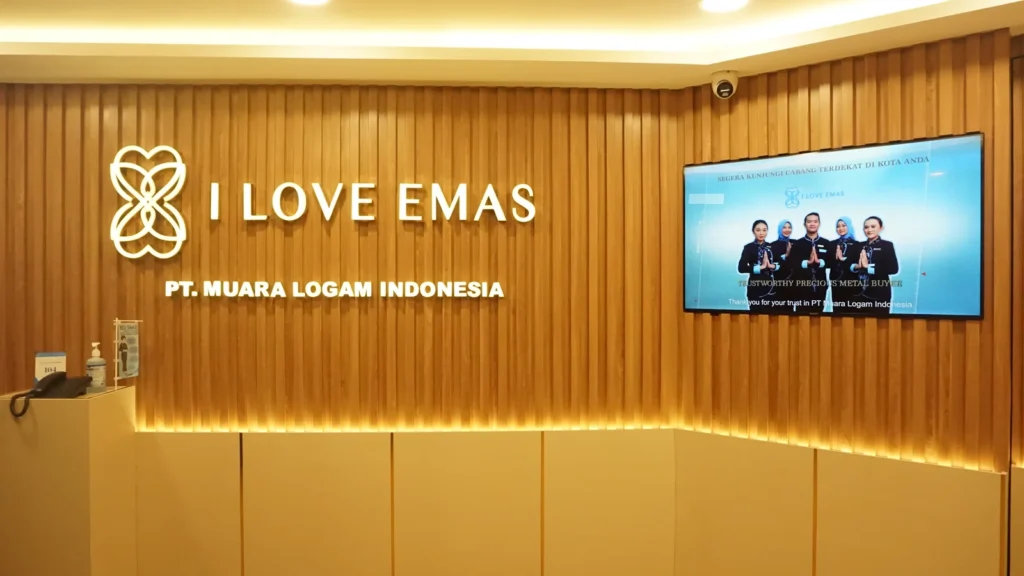
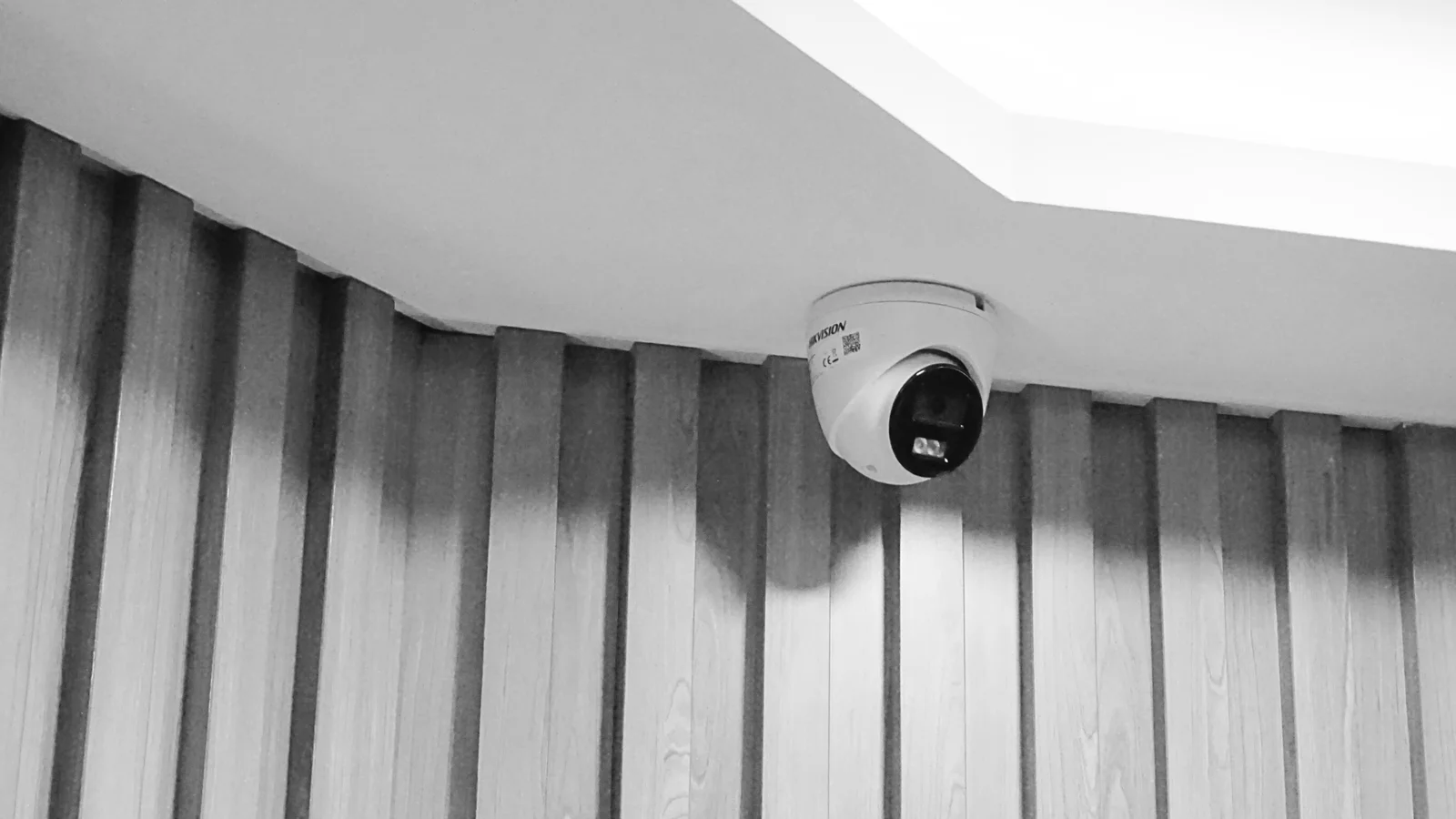
An office security project should start with a business brief, not a shopping list of cameras. Before installation, agree what the organisation needs to observe, which areas require controlled entry, and who will operate the system. A reception desk, shared meeting floor and restricted equipment room may need different arrangements, even within the same building.
For businesses in Indonesia, this is also an opportunity to coordinate security requirements with the office layout and the building management team. A structured plan helps procurement compare proposals on the same basis. Use the following framework to prepare for a discussion with a provider of IT Security & Surveillance solutions.
1. Define the operational objective
Write down the situations the system is intended to support. These might include reviewing an incident at reception, managing entry to a staff-only area, or understanding who should respond to an after-hours alert. Separate observation, entry permissions and incident response: a camera, a controlled door and an operating procedure serve different purposes.
Give each requirement an owner. For example, General Affairs may coordinate daily administration while IT reviews network access and the security team handles incident escalation. These are proposed responsibilities to agree internally, not an assumption about how every company is organised.
2. Map coverage and access zones
Use a current floor plan to identify entrances, circulation routes, reception, storage and restricted rooms. Mark where observation is useful and where recording would be inappropriate. Discuss shared spaces with building management rather than assuming the tenant controls every corridor or entrance.
For access control, prepare a simple permissions matrix: which groups need entry to each area, who authorises changes, and how access is withdrawn when someone leaves. Include visitors and contractors. The objective is a manageable set of rules, not the largest possible collection of devices.
3. Review the actual site conditions
Walk the site with the proposed installer. Check viewing direction, lighting changes, glass, obstructions and the practical routing of power and network connections. Axis notes that lighting, camera position, scene conditions and maintenance affect the usefulness of surveillance and analytics; resolution alone does not establish suitability.
Ask the provider to explain what each proposed view will show. Where appropriate, review a sample view before accepting the final position. Coordinate the work with ceilings, partitions, furniture and existing services so that installation does not rely on assumptions made from an outdated drawing.
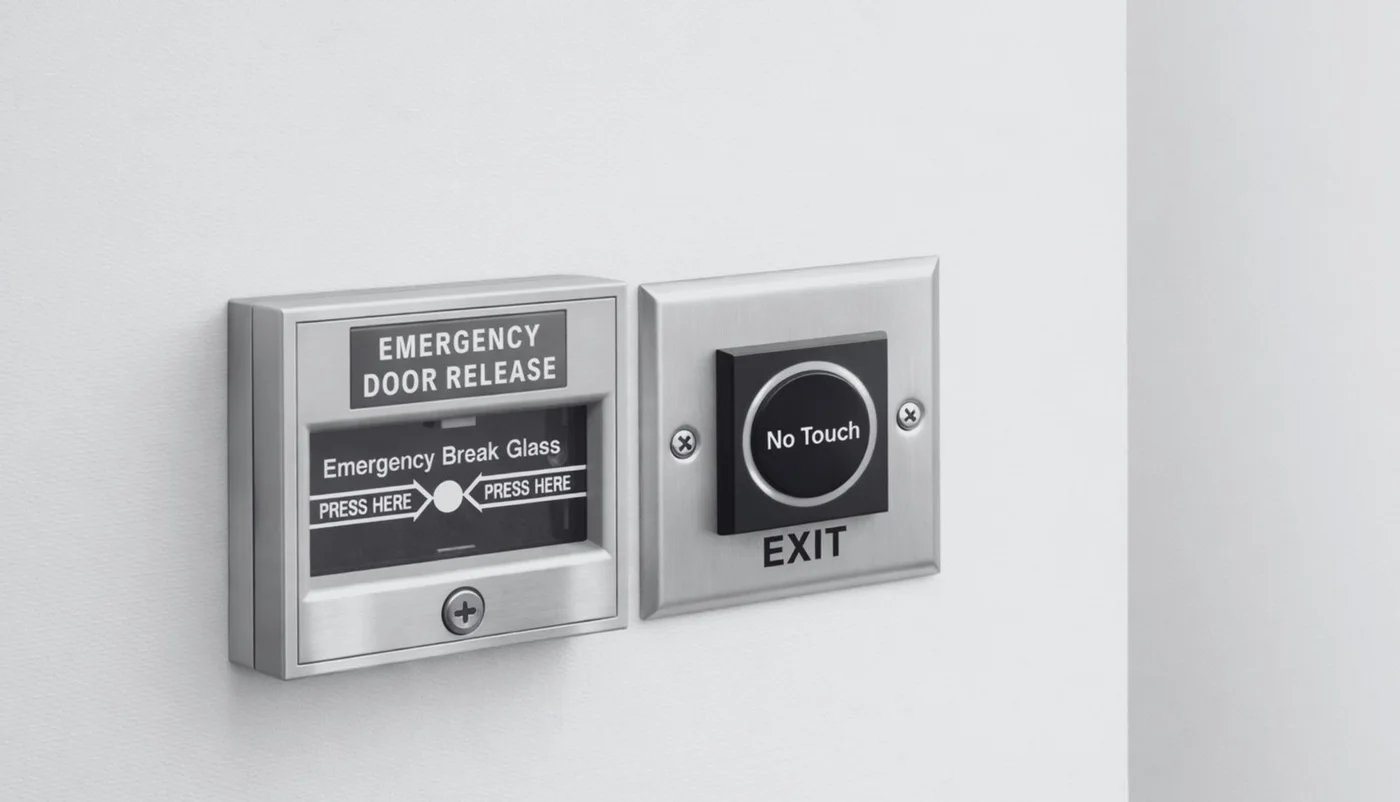
4. Coordinate CCTV and controlled entry
CCTV and access control can be considered together, but do not assume that every camera, recorder and door system can exchange information. Ask the provider to identify the supported integration and explain how an operator will use it.
A useful discussion follows a realistic event: someone attempts entry, a door event is recorded, and an authorised person checks the relevant information. Confirm which parts are included in the proposal and which require additional software or licensing. Building-management and safety requirements for controlled doors should be reviewed with the appropriate specialists before implementation.
5. Plan the network, recording and storage
Ask for a documented design showing the proposed connections, recording arrangement and access method. Discuss who owns the network equipment, who maintains the recorder, and whether the security system shares infrastructure with other business services. Request compatibility checks against existing equipment instead of relying on brand names alone.
Storage should be estimated against agreed recording settings and retention requirements. Axis provides system-planning tools that estimate bandwidth and storage, illustrating why these questions belong in design rather than being left until installation. Do not select an arbitrary retention period: have the business owner and relevant advisers approve the operational and privacy requirements first.
6. Decide who can view and manage information
Prepare an access policy covering live viewing, recorded footage, exports and administrative changes. Ask how individual accounts are created and removed, and how remote access will be controlled. Keep viewing permissions separate from permission to reconfigure the system wherever the selected solution supports that distinction.
Agree how incidents are reported, who may release footage and how requests are documented. This article does not set a legal retention period or certify compliance. The organisation should validate its privacy, employment, building and other applicable obligations with qualified advisers before finalising the configuration.
7. Define maintenance and handover
Include maintenance questions in the initial brief. Who checks that recording is functioning? Who handles a camera that moves out of position? How are faults reported? Agree what the supplier supports, what the client operates, and what response arrangements are actually included.
Request a handover package containing an equipment inventory, approved layout, operating instructions and a record of the accepted configuration. Credentials should be transferred securely to the authorised owner, not written on public-facing documentation. Arrange a practical demonstration using the people who will operate the system, rather than treating installation completion as the end of the project.
8. Compare proposals using a shared checklist
Send each shortlisted provider the same brief. Ask them to identify coverage assumptions, proposed integrations, exclusions, training, maintenance and any recurring software requirements. A proposal that lists hardware without explaining the operating model leaves important questions unanswered.
For acceptance, agree a small set of observable checks: the required view is usable, the agreed recording can be retrieved, authorised entry works, an approved test event reaches the designated operator, and responsibility for follow-up is clear. The exact tests must fit the selected system and site; they are not a universal security certification.
A simple briefing example
An initial brief could state: the reception needs a usable incident-review view, a designated equipment room needs controlled entry, and an authorised operator needs a defined process for reviewing events. Attach a marked floor plan and ask the provider to confirm feasibility, exclusions and the acceptance method. This is an illustrative brief, not a description of an existing FIRST installation.
Keep unresolved items visible, including who approves permissions and who owns ongoing administration. A short list of open questions is more useful than pretending the scope is already complete.
Turn the plan into a clear project conversation
Before requesting a final quotation, assemble the floor plan, priority zones, existing equipment list and a named internal contact. Record unresolved questions rather than asking suppliers to price different assumptions. A short, agreed brief provides a stronger starting point for both technical review and commercial comparison.
FIRST Indonesia presents CCTV, access control, monitoring and integration with existing networks within its IT services capabilities. The appropriate scope still depends on the site survey, system compatibility and the service arrangements confirmed for the project. Smart Office features can support the discussion without replacing the core security requirements.
Discuss Your Security & Surveillance Requirements with the team to start from your office’s operational needs.