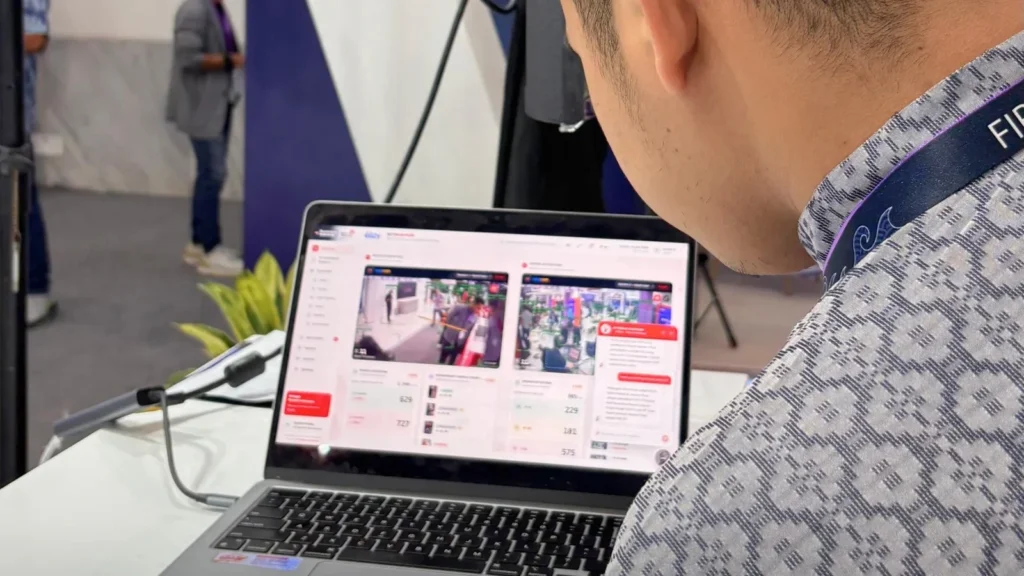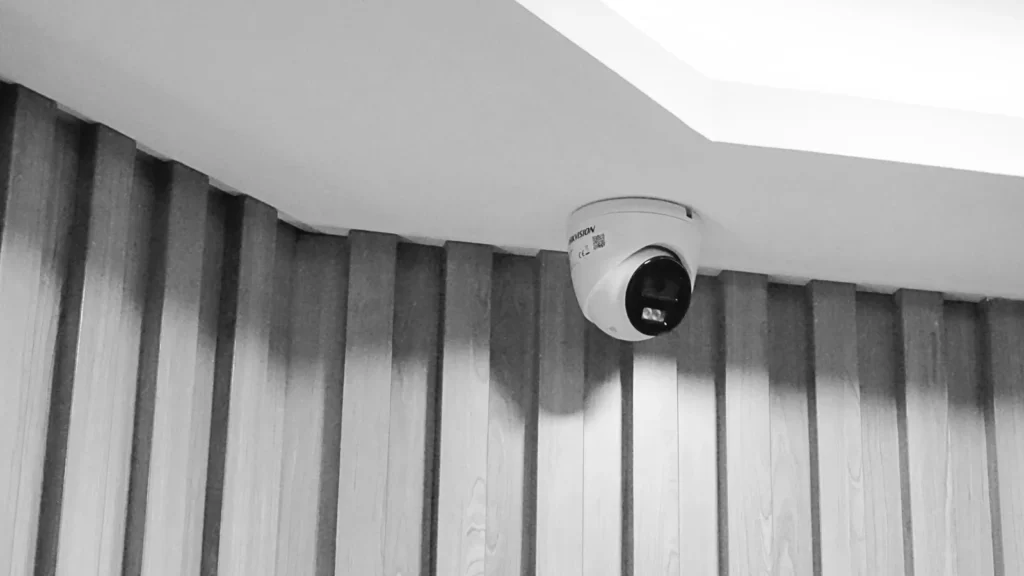
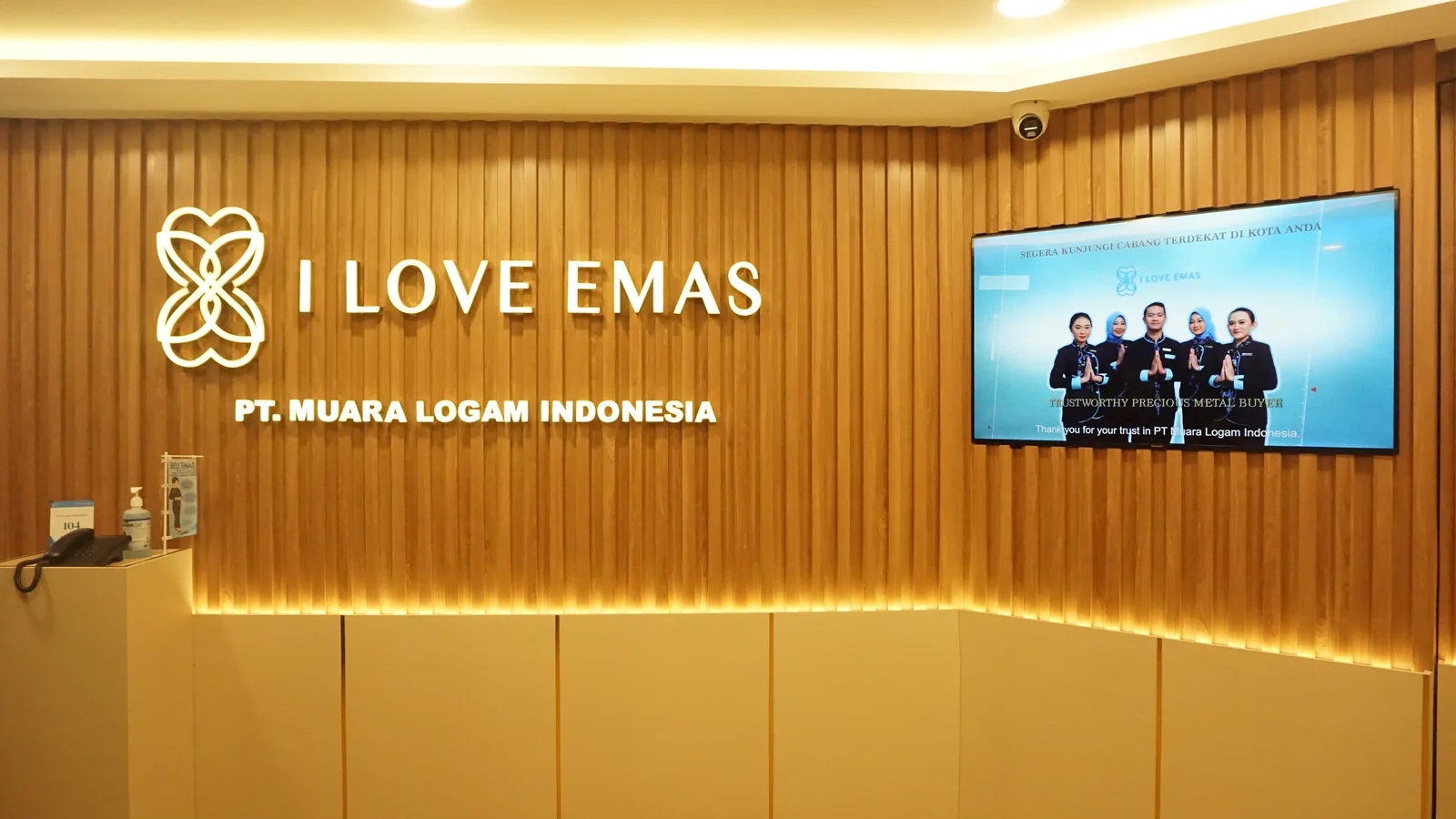
Opening another store often means repeating familiar equipment choices. CCTV coverage deserves a fresh look at each location. A small street-front shop, a store inside a mall and a branch with a separate stockroom can have different entrances, lighting, operating hours and responsibilities. Consistency matters, but identical camera placement does not necessarily produce useful views.
This planning guide helps a retail team prepare a brief before comparing equipment or installation proposals. It focuses on the decisions that should be shared across branches and the site details that must be checked locally.
Start with the purpose of each view
List the situations that staff may need to review: an incident near an entrance, an issue at a receiving point or a question about movement between customer and staff areas. Define what information would help the authorised team respond. Then mark candidate observation points on a current floor plan.
Avoid a simple target such as “cover every corner.” A useful brief names the purpose, viewing area and responsible operator for each proposed view. It also identifies places where recording would be inappropriate or where another party controls the space. For stores in shared premises, confirm what the tenant may install and what building management already provides.
Build one branch template, then survey each site
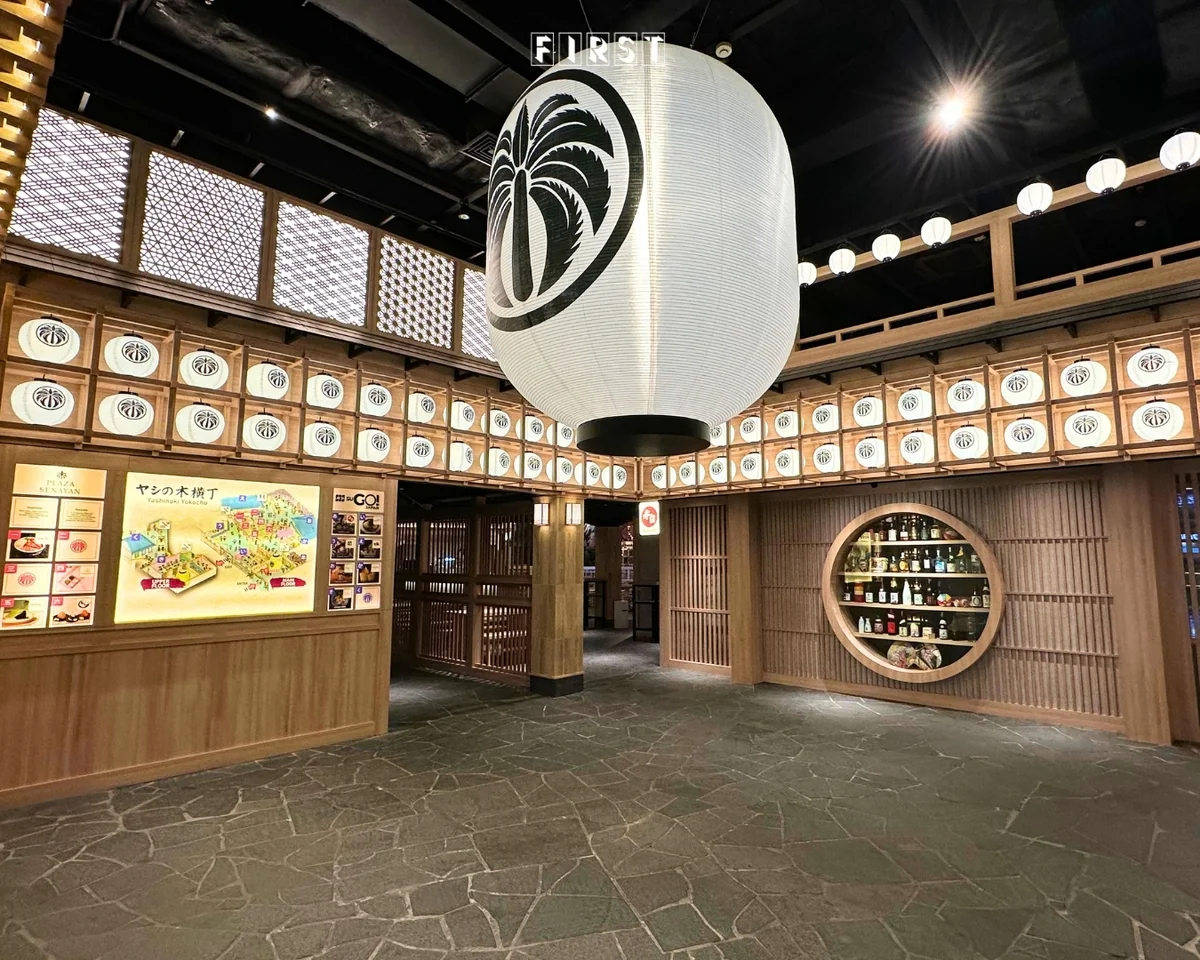
A shared template makes proposals easier to compare. Record branch address, opening hours, entrances, customer paths, cashier area, stock movement, existing network, available power and local contacts. Add a drawing or photographs that show ceiling height, obstructions, glass and changing light.
The template is a starting point, not a substitute for a site survey. A proposed camera may face strong backlight in one store or lose a clear view behind a display in another. Ask the installer to confirm each viewing direction and cable route on site. Where possible, review a sample image before approving the final position.
Decide how branches will be operated
Coverage is only one part of the system. Agree who can view live video, who may retrieve recordings, who can change settings and who handles faults. A head office may want a common access policy, while each branch may need a named local contact. Record how accounts are created and removed when roles change.
Discuss whether branch systems need to be viewed centrally. That decision affects network design, access controls and support arrangements. Confirm the actual integration offered by the selected products; do not assume every existing camera or recorder can connect to a new platform.
Plan recording and handover together
Agree which views need recording, the required image quality, the hours of operation and a retention policy chosen by the organisation with appropriate privacy advice. These inputs affect storage and network estimates. Document who checks recording health and how a failed device is reported.
For each completed branch, request an updated layout, equipment list, authorised account handover, operating instructions and an acceptance test. A practical test might retrieve a recording from an agreed time and confirm that the designated operator can find the right view. Repeat the same acceptance method across branches while allowing site-specific exceptions.
Prepare a comparable request for proposals
Send the same branch template and operating requirements to each shortlisted provider. Ask them to state assumptions, exclusions, compatible existing equipment, recurring costs and responsibilities after installation. The result should explain how the proposed system will be used, not only list camera models.
FIRST Indonesia’s IT Solution includes security and surveillance discussions. Share branch layouts, operating roles and current equipment when you contact the team so the proposed scope can be assessed against actual locations.