
Technology exhibition booth planning starts with giving each element a clear job: graphics introduce the offering, screens explain selected details, physical displays present the equipment, and staff handle questions. FIRST Indonesia shared its visit to the Digital Transformation Indonesia (DTI) Exhibition at the Jakarta International Convention Center (JCC), Senayan, Jakarta, where the team explored data storage, AI-driven solutions and enterprise technology. For exhibitors preparing a technology presentation, the booths provide concrete examples of formats to consider together rather than as separate additions.
Give booth graphics a clear information hierarchy
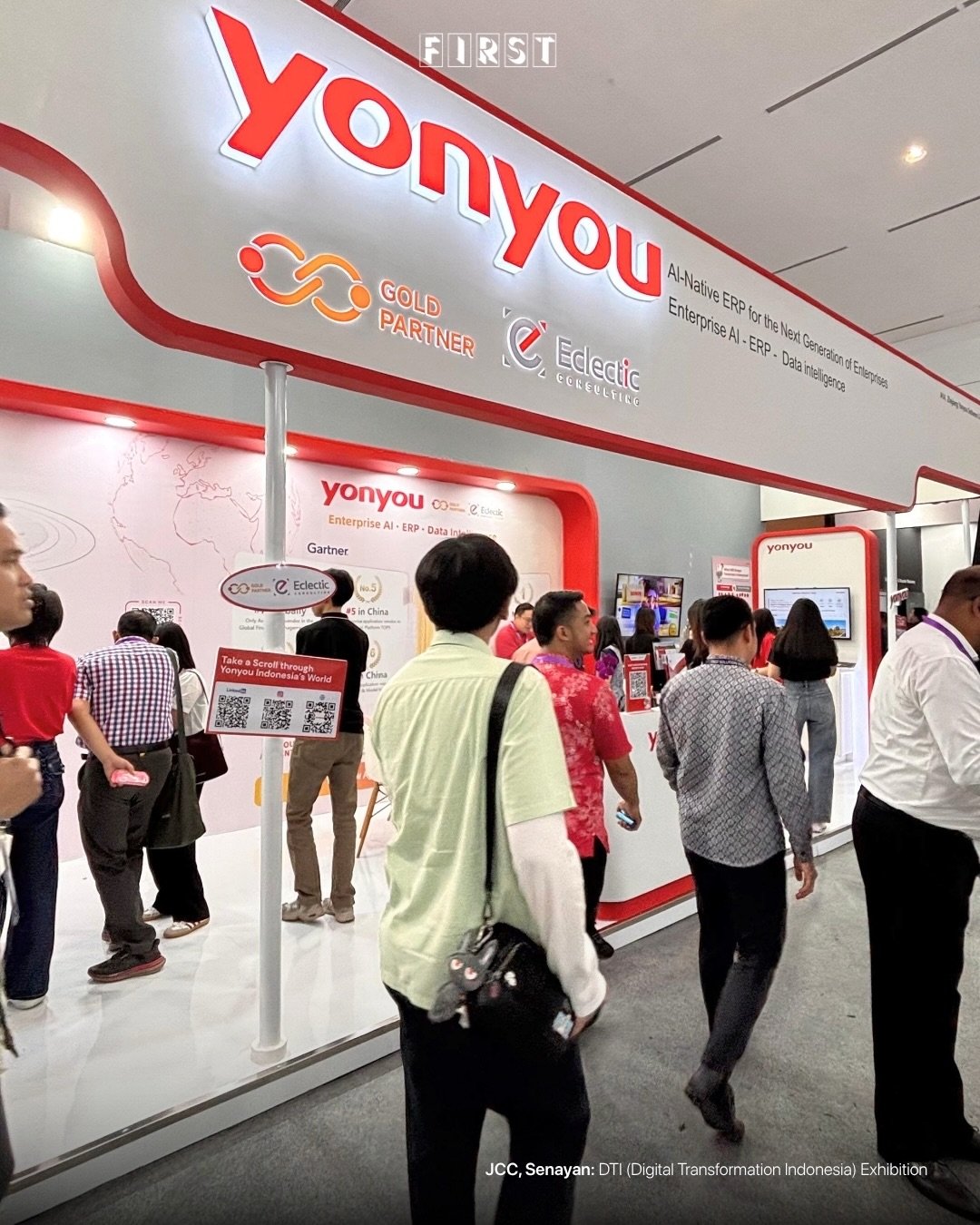
Separate the message people should read from the aisle from the detail they should examine up close. Start with the brand and a plain description of the offering, then reserve product explanations for the relevant display. The red-and-white Yonyou booth uses large overhead identity above smaller screens and wall graphics—distinct surfaces that an exhibitor can assign different communication tasks.
Resist putting the complete product catalogue on the largest wall. When briefing your designer, identify the headline, the supporting explanation and the technical detail as separate content levels. Review each from its intended viewing position, and keep essential wording out of places that equipment or people will routinely obscure.
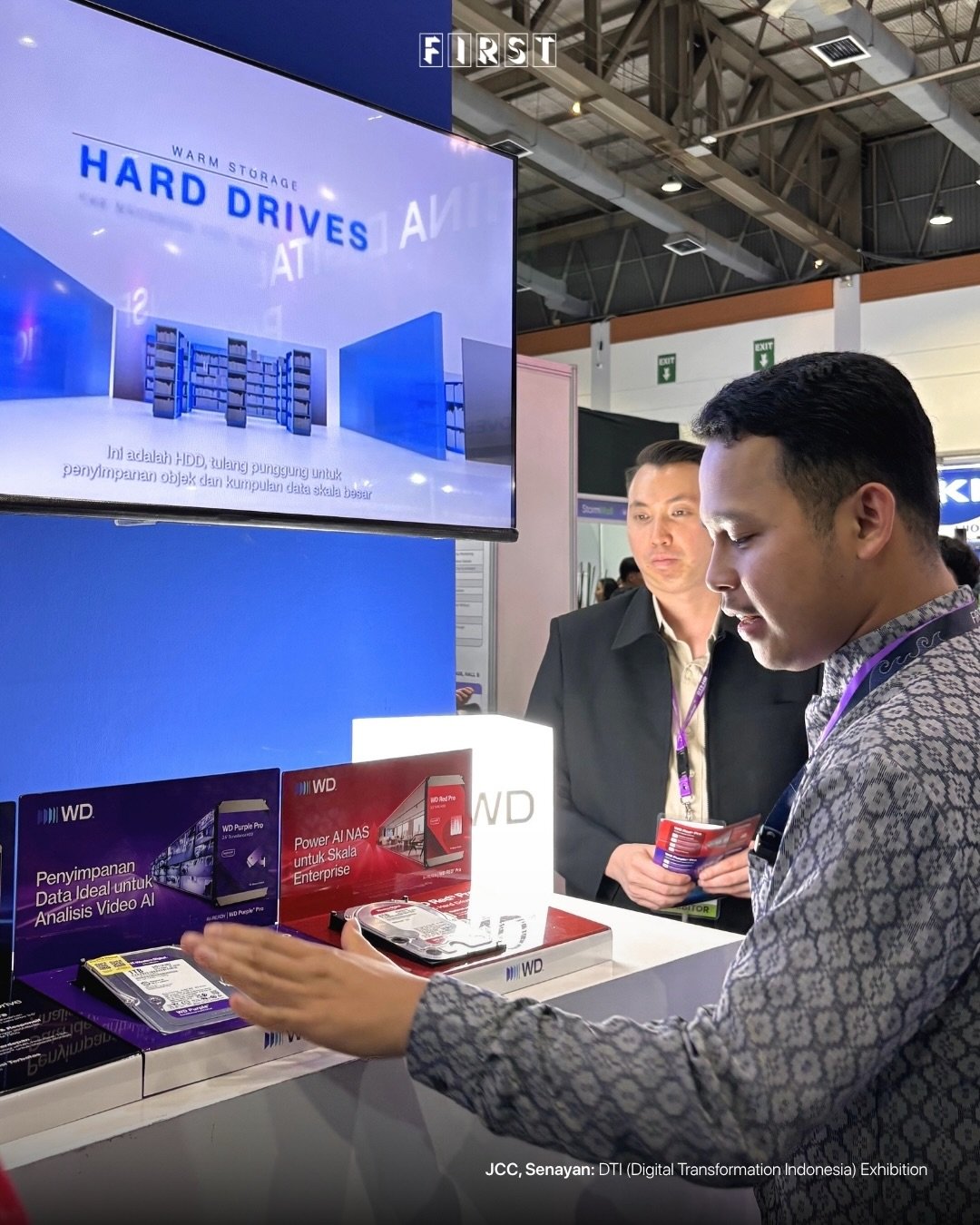
Connect those content levels through consistent product names and labels. A storage display at DTI places a large screen with storage-related graphics above hard drives and printed product panels on a counter. For your own presentation, use the same terminology on the screen and the product label so the explanation has a clear reference point.
Choose what the equipment explains and what the screen explains
Choose the presentation format according to the point you need to explain, rather than filling the booth with devices. Use a physical exhibit when shape, components or connections are central to the discussion. Use a screen when the explanation depends on a sequence, interface or selected view of information.
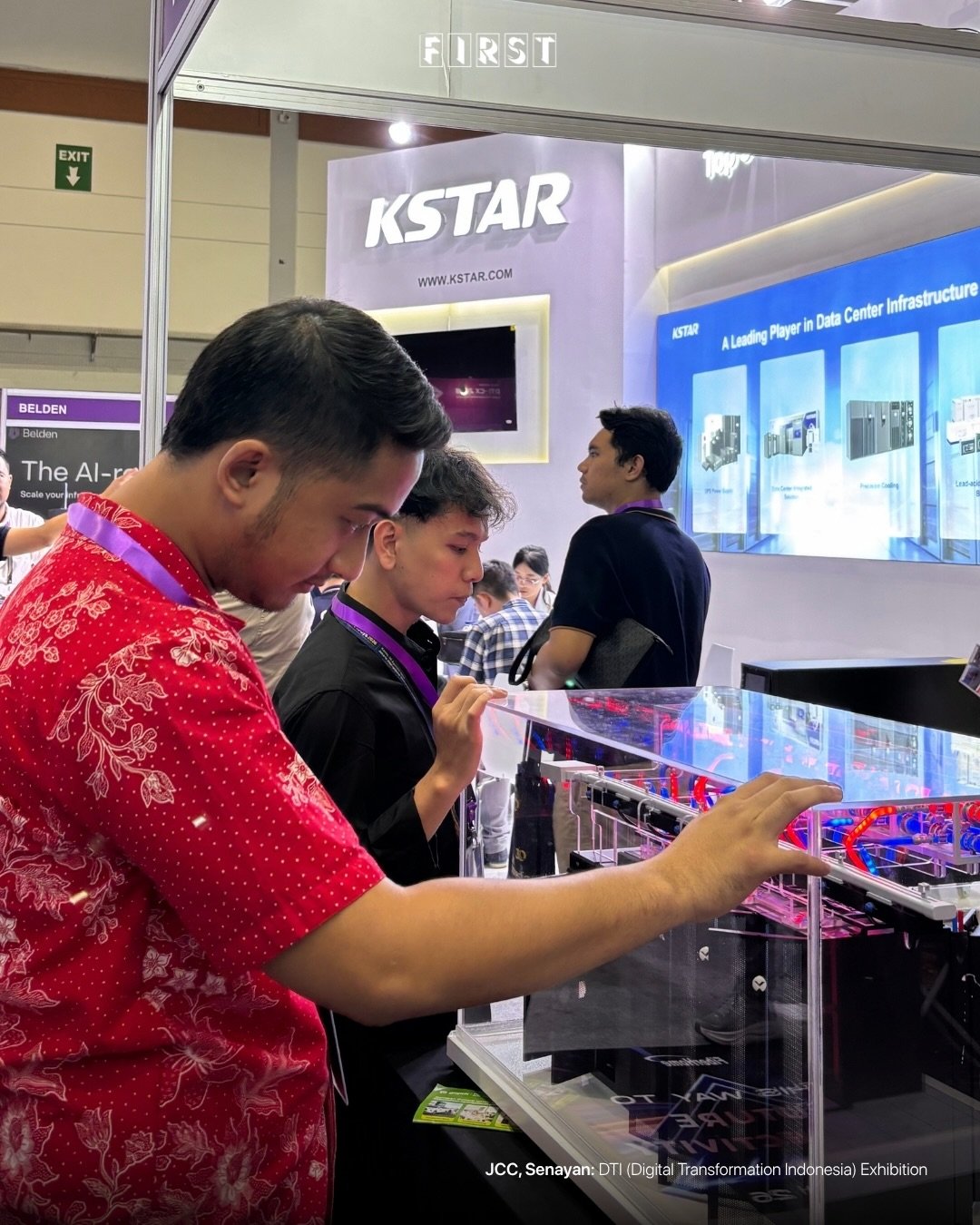
Make the feature you want to discuss easy to identify within a physical display. A clear-sided equipment case at DTI exposes internal components beneath its transparent cover, with an illuminated booth sign and product panels behind it. When planning a comparable exhibit, specify which components need labels and where a presenter can point without blocking the view.
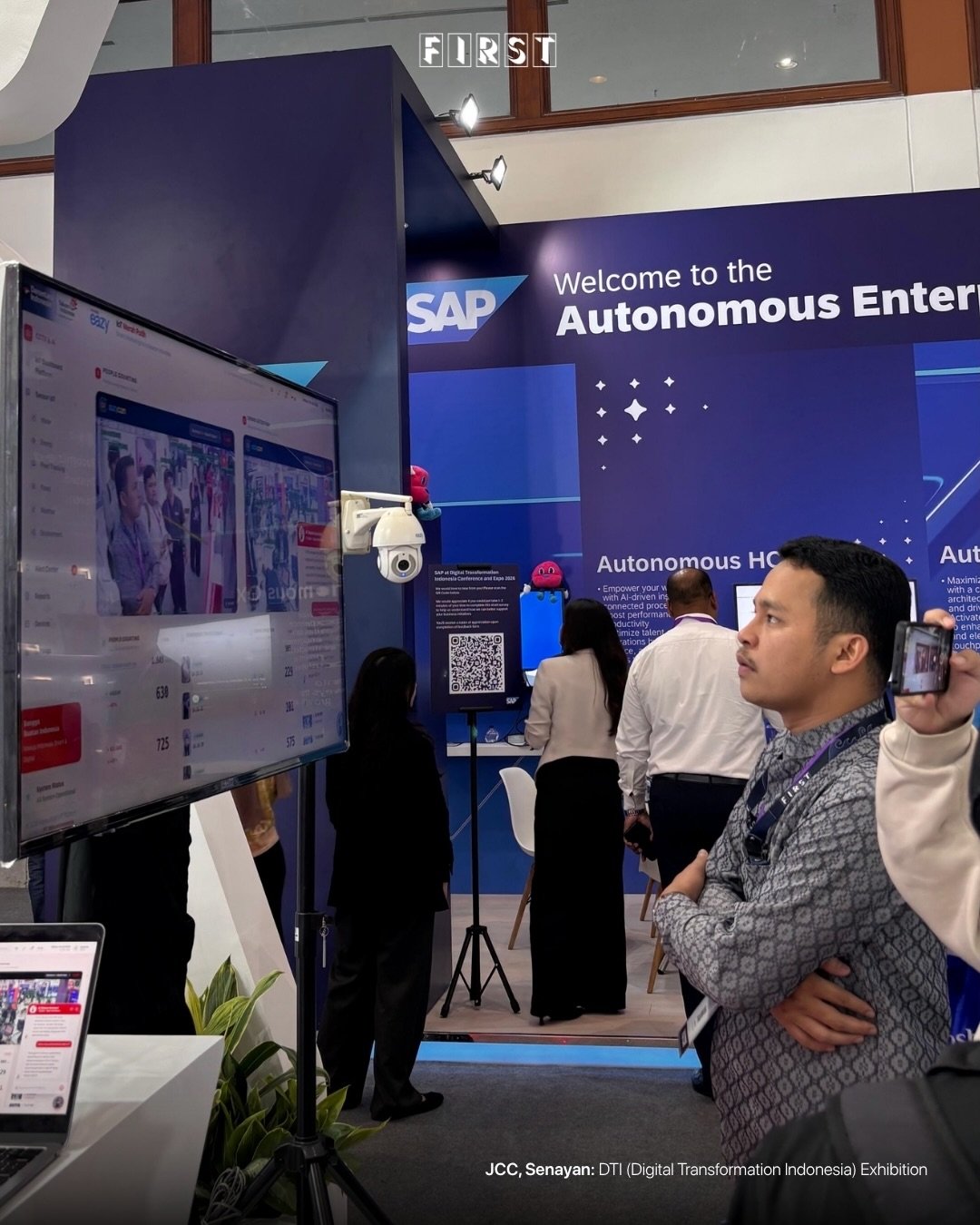
Build a software presentation around a defined task instead of an unrestricted tour of every menu. The enterprise-technology display at DTI pairs a large monitor showing a software interface with broad messaging on the booth wall. For your own demonstration, decide which screen opens the explanation, what the presenter will highlight and what detail belongs in a follow-up discussion.
Plan the conversation alongside the display
Give the presenter and visitor a shared reference point for a technical conversation. Printed product boards and small samples sit together on a black-covered counter at another DTI booth, with text and line icons on the wall behind. That arrangement brings several explanation formats into the same counter setting.
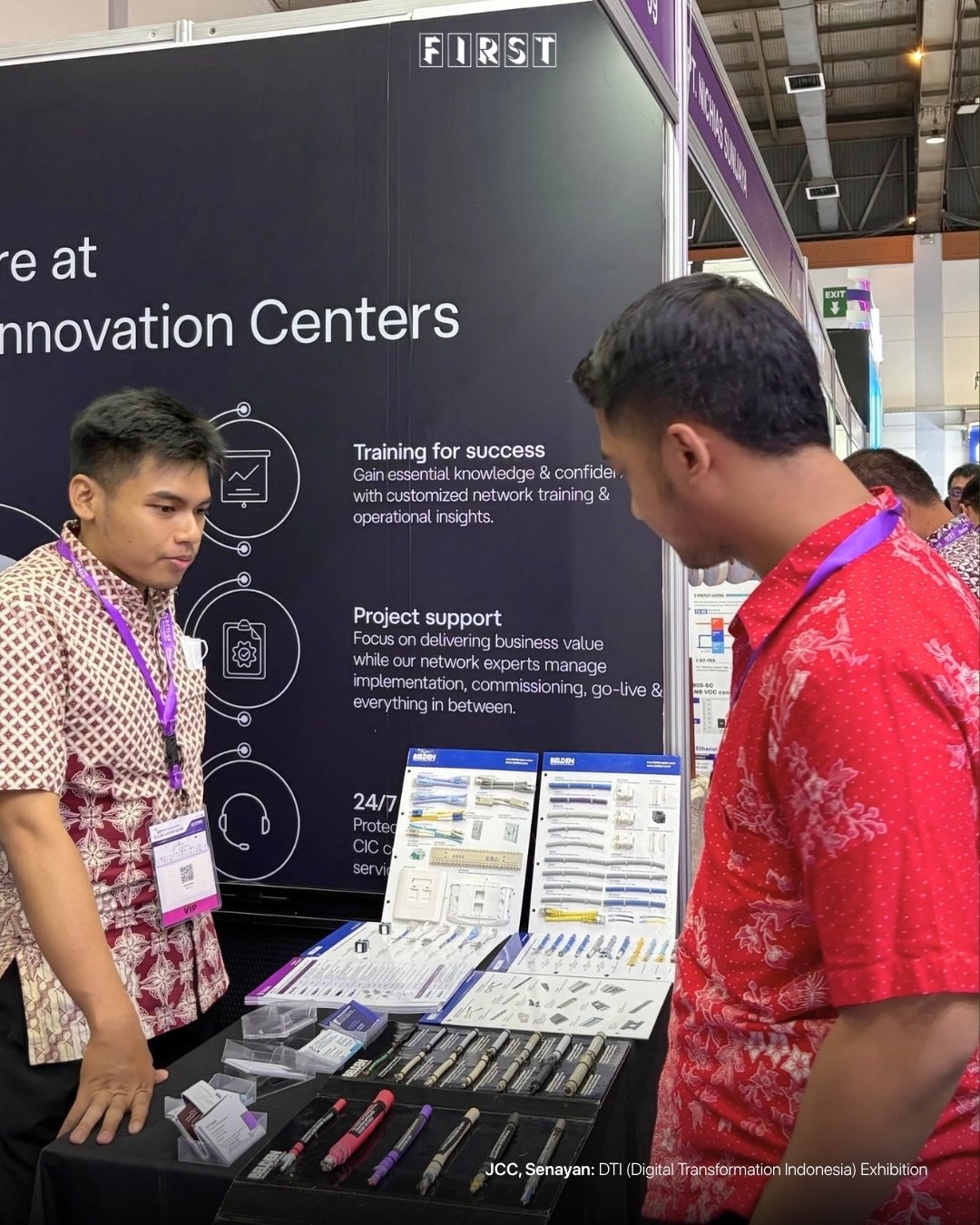
Include the conversation in your booth brief, not just the furniture and graphics. Before approving the display, ask:
- Which product, sample or screen will the presenter refer to first?
- Can both people see the relevant label or interface without moving the exhibit?
- Where will detailed specifications sit when a visitor asks for them?
- What follow-up information should staff offer after the explanation?
The takeaway for technology exhibitors is to plan one connected explanation: a clear introduction, an appropriate demonstration format and a place to discuss specifics. Assign those roles before choosing the screens, cases and counters, then review the booth as a complete presentation.